Documentation Index

Fetch the complete documentation index at: https://docs.anygen.io/llms.txt

Use this file to discover all available pages before exploring further.

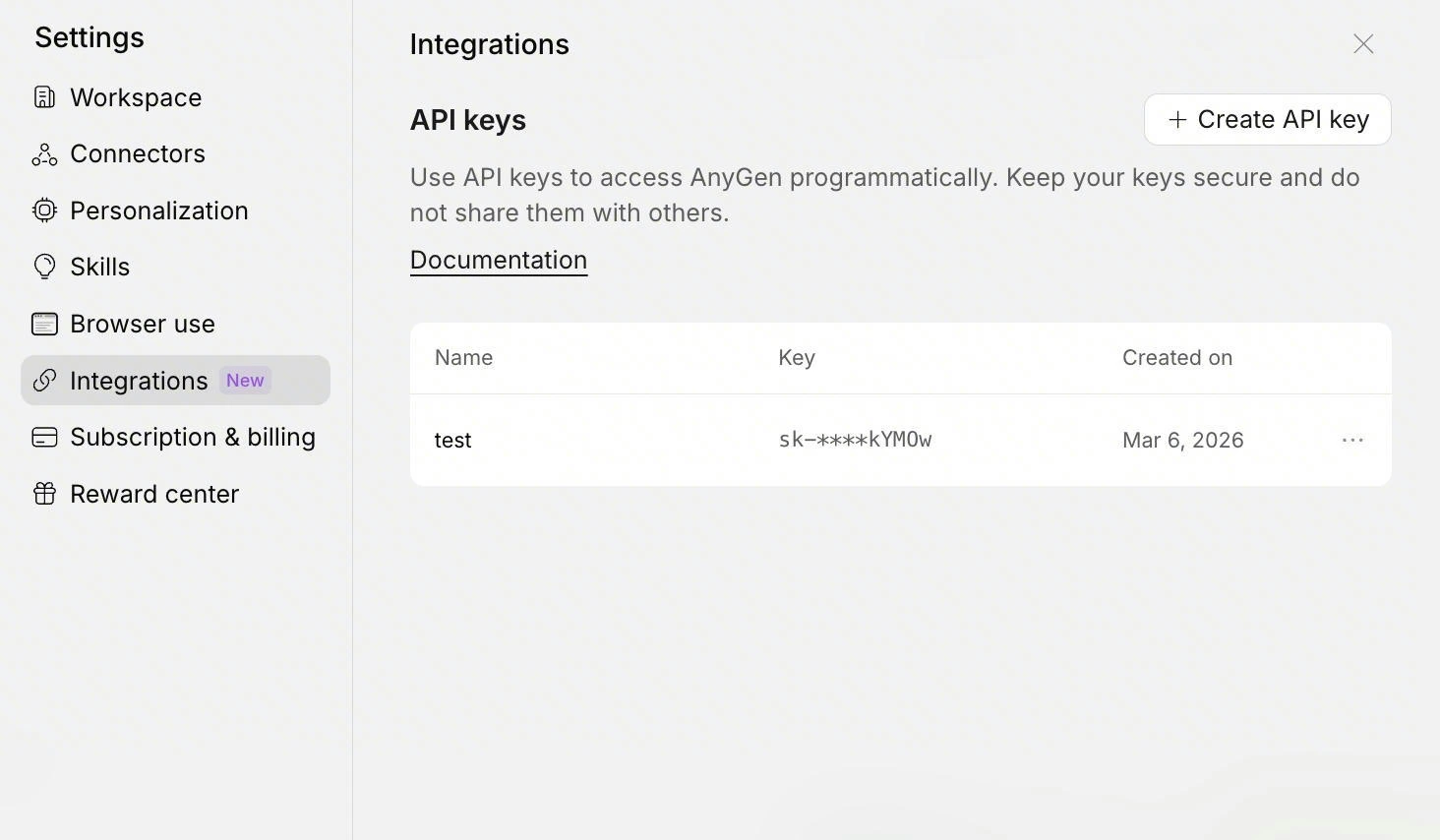
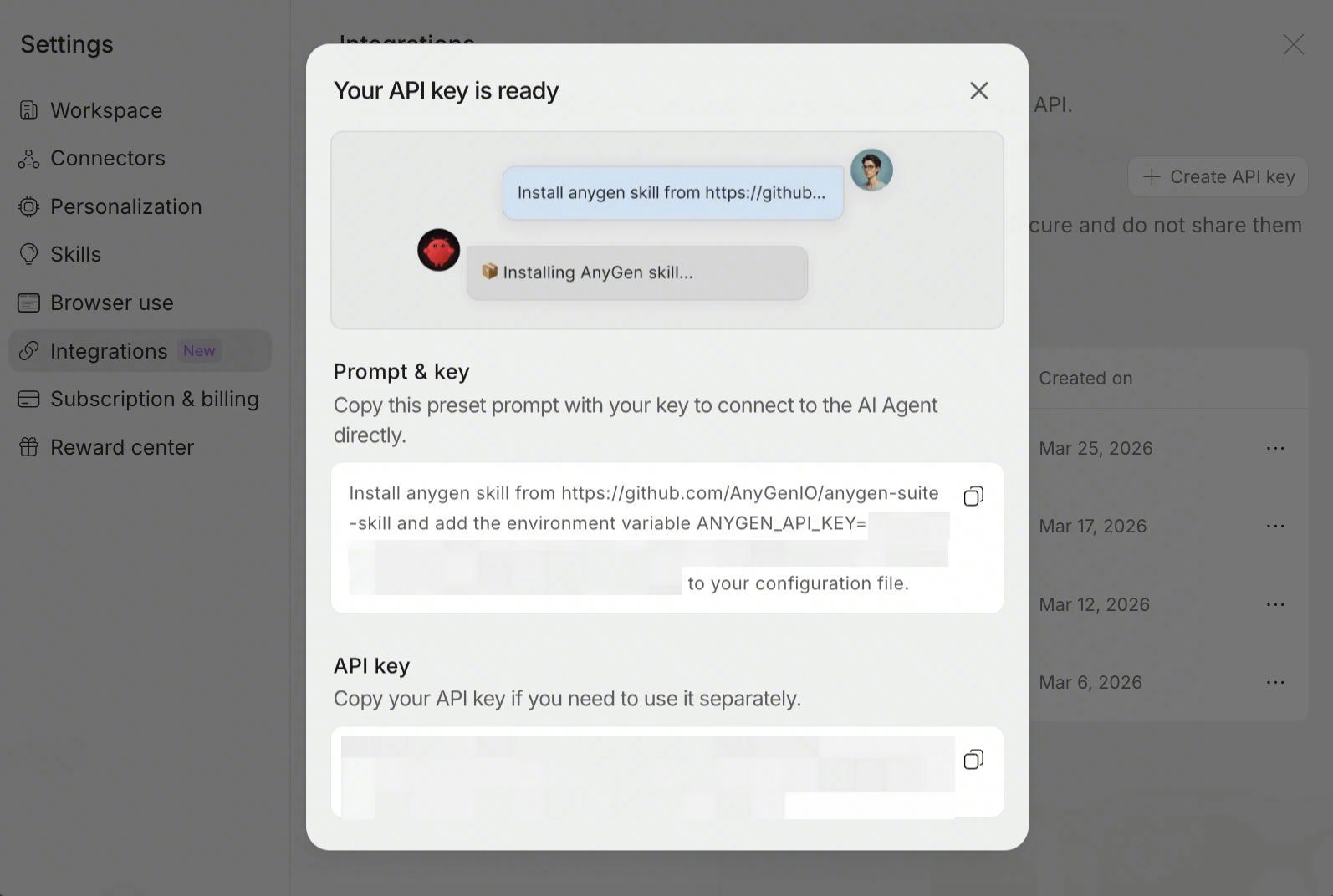
Step 1 — Get your AnyGen API key

Get your AnyGen API key and keep it ready for setup.
Your key should look like this:
sk-xxx
Image
20260325 164145

Step 2 — Install AnyGen Skills

Install AnyGen Skills (Tell your agent):
Install anygen skill from GitHub - AnyGenIO/anygen-skills: AnyGen AI Skills for AI Agents and add the environment variable ANYGEN_API_KEY=sk-xxx to your configuration file.

Step 3 — Test your setup

Once your skills are installed and your API key is set, try one of these prompts in your agent:
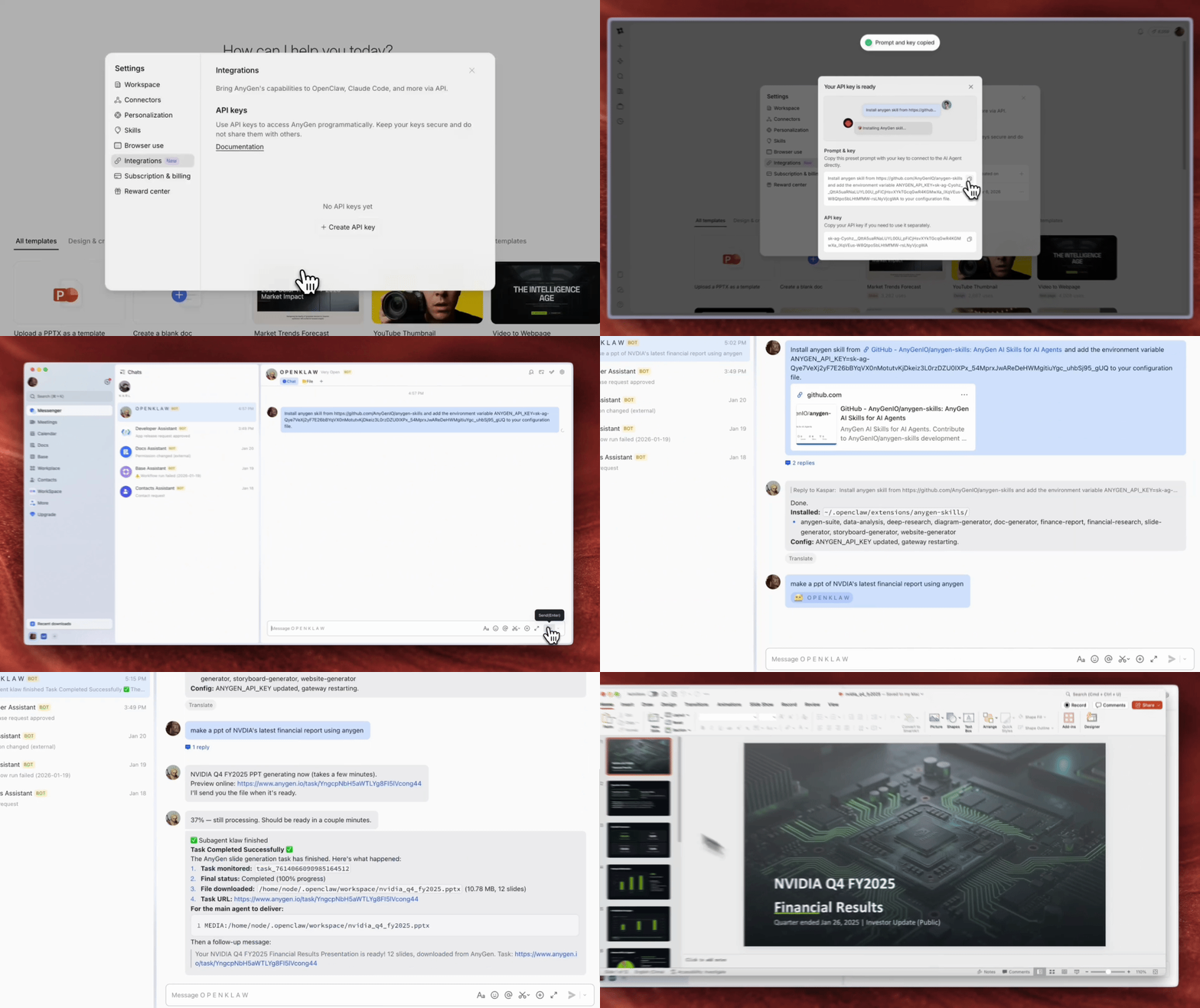
Make a 5-slide product intro deck for AnyGen.
Write a one-page product overview document for AnyGen.
Generate a landing page for a project.
If your agent starts creating an AnyGen task, your setup is working.
Openapigif