Model
🍌 AnyGen now supports Nano Banana 2
Nano Banana Pro has been available in AnyGen, and Nano Banana 2 is now added to give you a faster option for exploration and iteration—while Pro remains ideal for final-quality outputs.- Faster drafts & variations: iterate on ideas in rapid cycles.
- Better prompt control: less “close but not quite.”
- More consistent series: easier to keep a unified look across multiple outputs.
Feature
🍌 Slides, Now in Two Styles
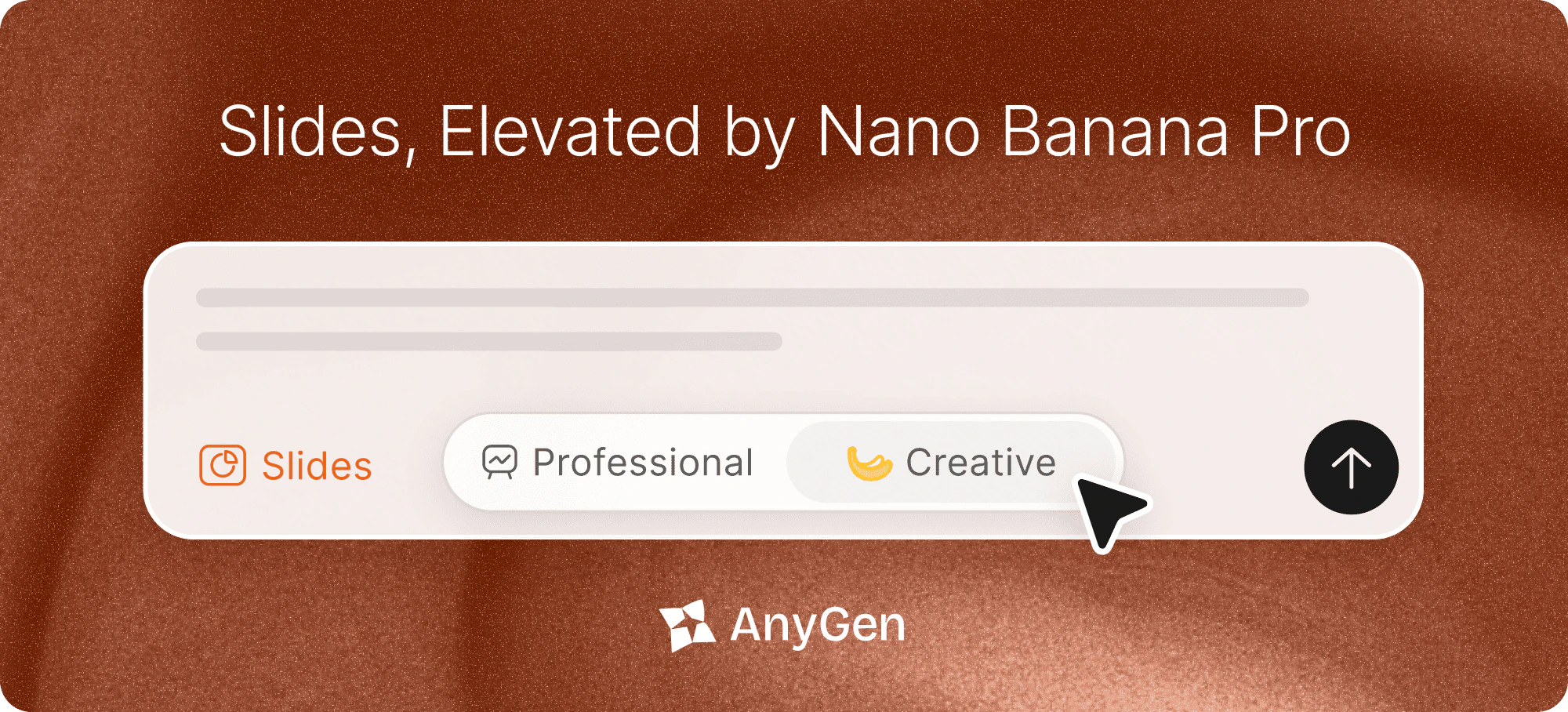
Choose the look that fits your work—Professional for structure and control, Creative for premium design.- Professional Mode — Clean structure, fully editable layouts, and precise control for fast iteration.
- Creative Mode — Premium templates and high-quality visuals, powered by Nano Banana Pro.
- Switch styles anytime from the Slides style toggle.
Feature
⚡️ AnyGen Skills
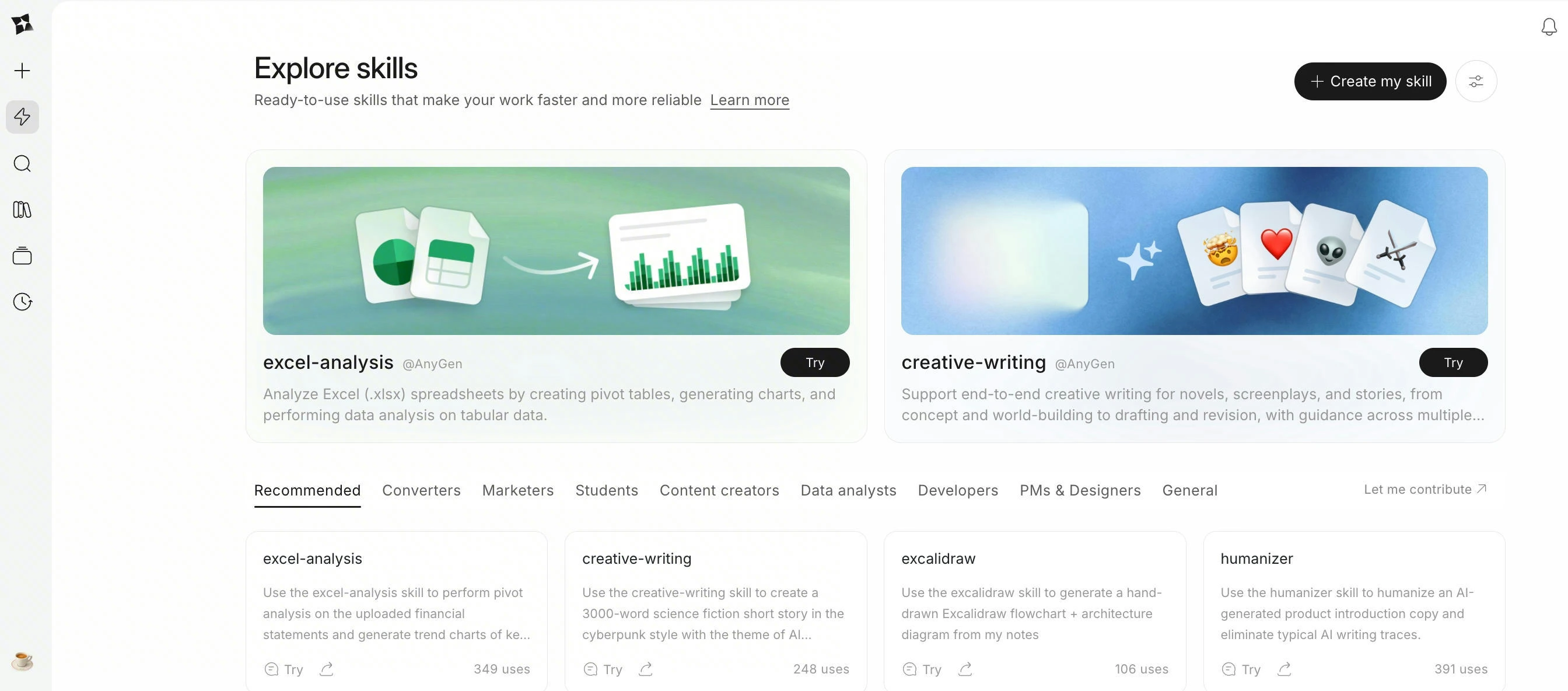
AnyGen Skills lets you turn one successful run into a reusable standard your Agent can follow—so repeatable work stays consistent, and outputs keep a stable structure.- Create Skills in multiple ways: create via chat, package a successful run, import a Skill file, or write Skill instructions by hand.
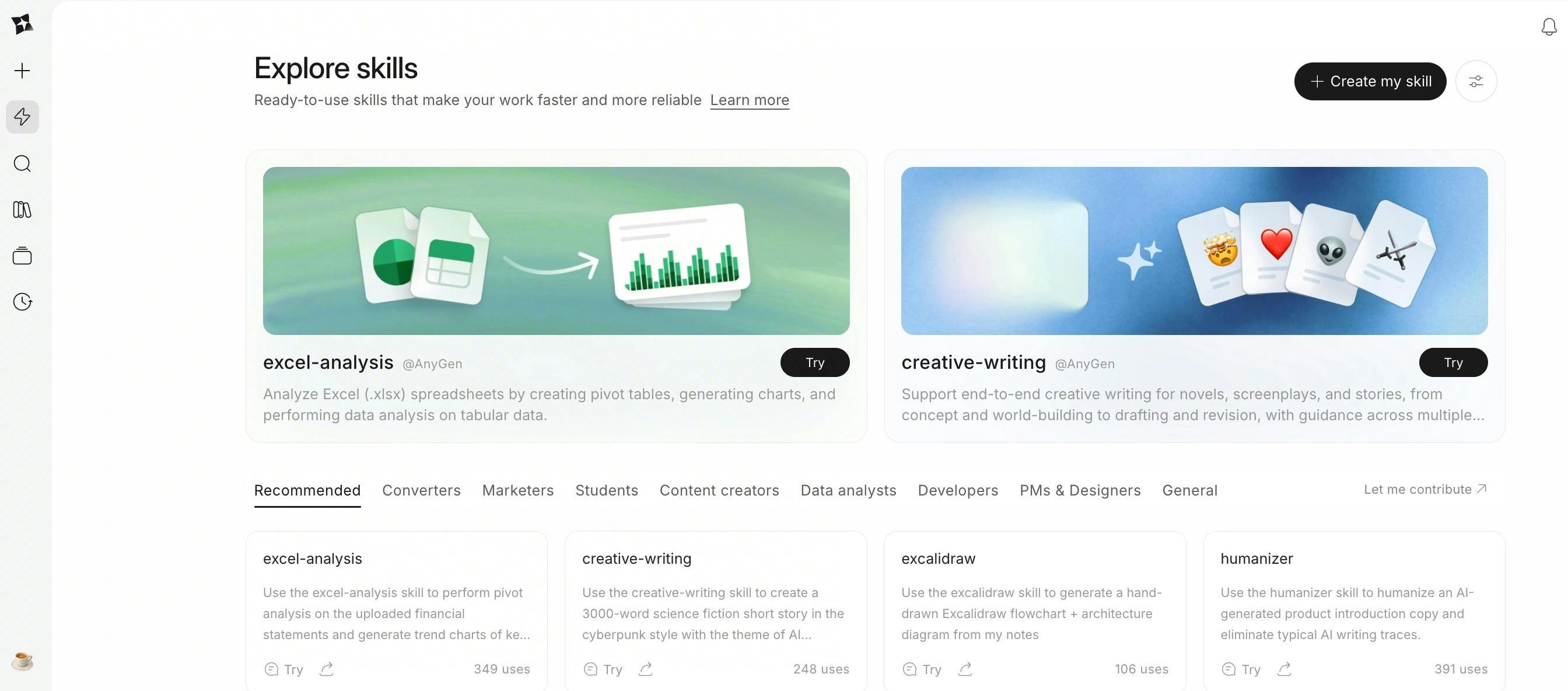
- Explore Skills: browse a curated collection of ready-to-use Skills and add them to your workspace in one click.
- Predictable execution: enable Skills for natural-language use, or explicitly call
Use <Skill Name> ...when you need a fixed workflow and output format. - Starter examples include:
Excel-Analysis,PDF-Processing, anddocument-converter-suite.
Feature
✍️ Excalidraw MCP & Skill
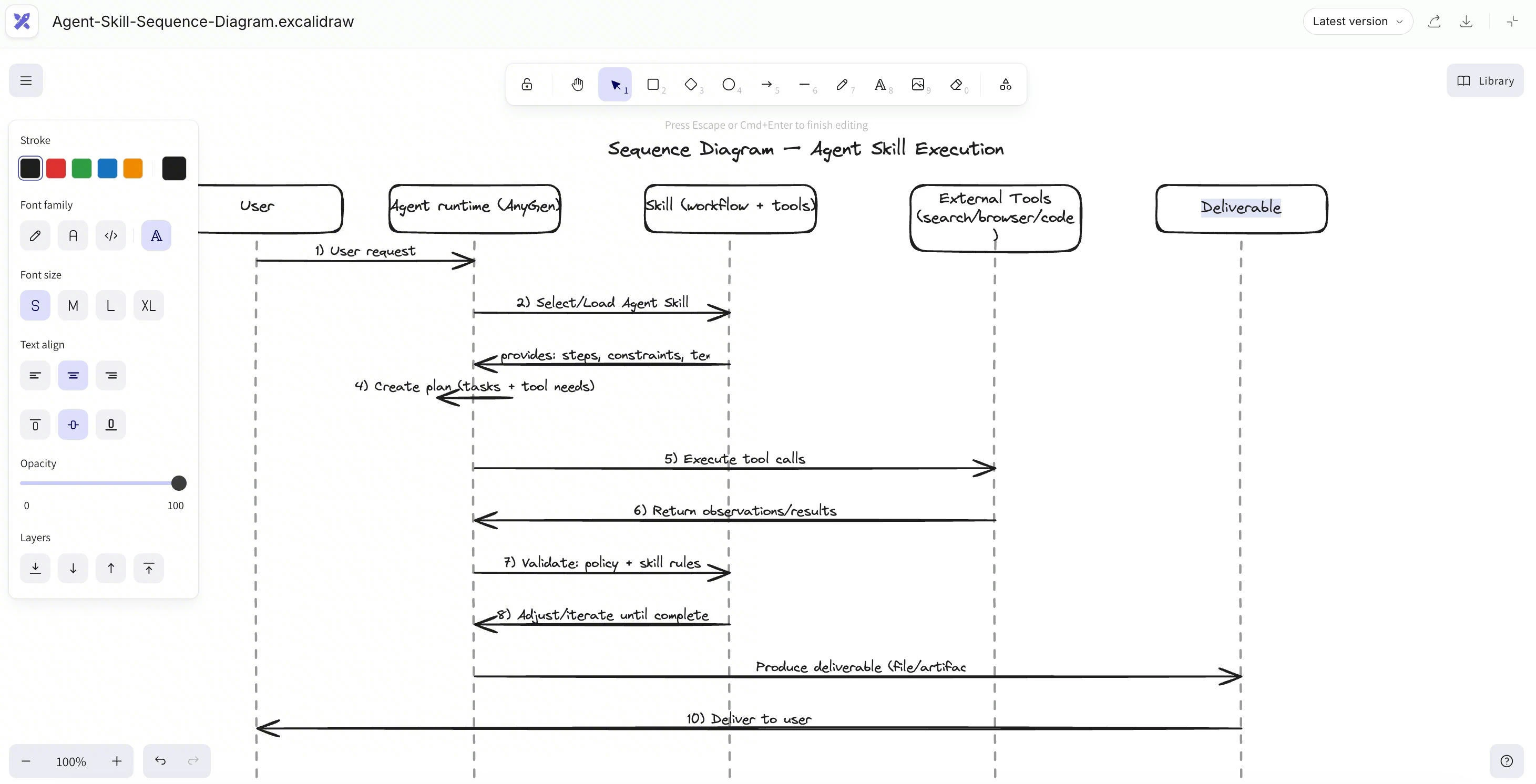
AnyGen now supports Excalidraw via MCP & Skill, Your research, docs, and tasks are already here — now your diagrams are too.- Sketch-style clarity: Excalidraw’s clean, hand-drawn look makes complex ideas easier to scan and discuss.
- Prompt → diagram: Describe what you need, and AnyGen will draw it in Excalidraw (flows, architectures, mind maps, etc.).
- Stays editable: Tweak shapes, text, and layout anytime — no “static screenshot” diagrams.
- Lives with your work: Saved right inside your project, next to your notes and tasks.
- Share-ready: Export to Google Docs whenever the team needs it.
Feature
🌐 AnyGen Browser Operator
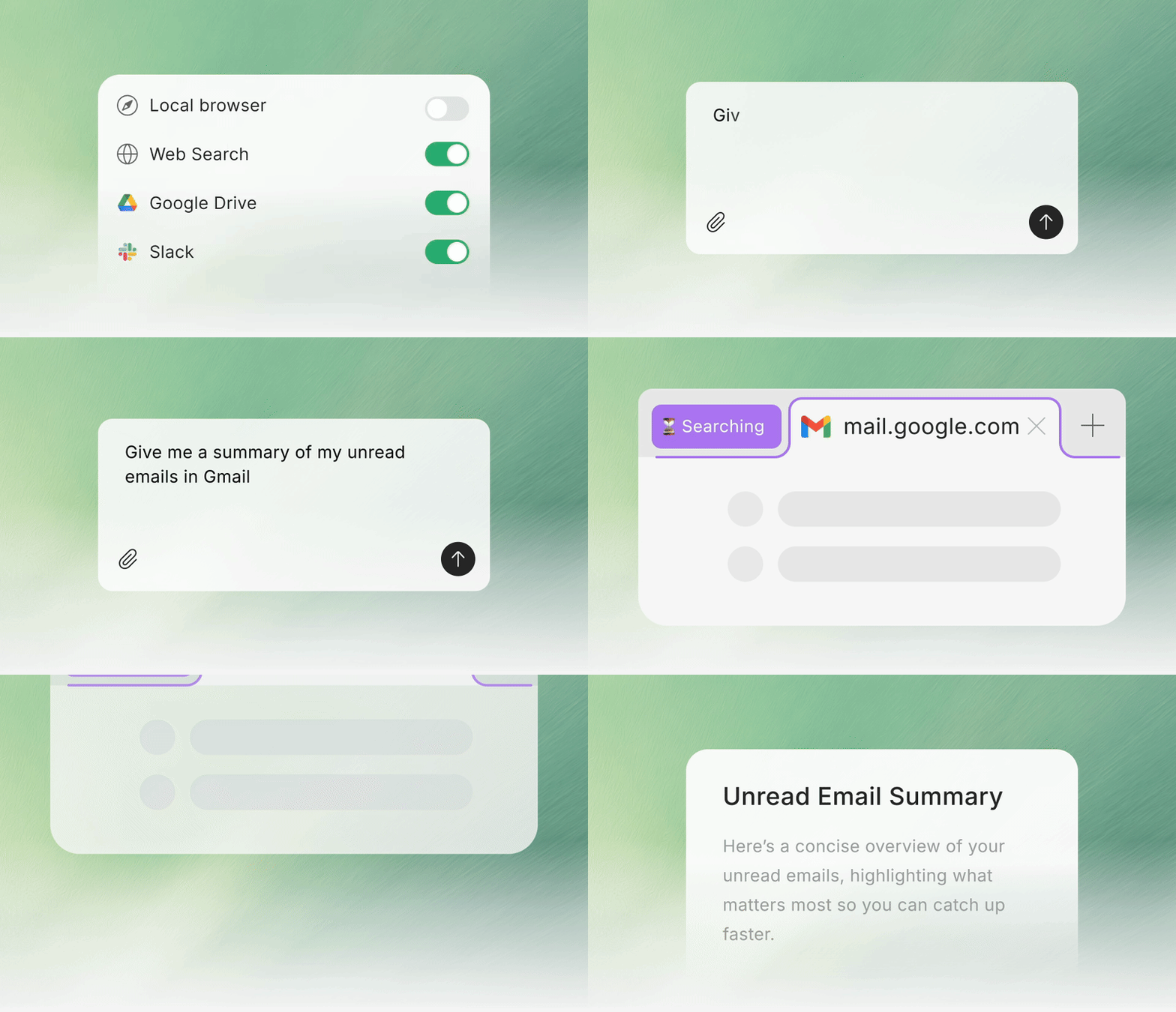
AnyGen Browser Operator lets you pull local browser content directly into AnyGen tasks, so the Agent can work with richer, more accurate context — with full control to toggle access anytime.- My browser (Task Context): Use what’s on your screen as task context for summarizing, rewriting, translating, comparing, and drafting.
- Local Session Access: Run through your local browser session (local network + real IP) to reduce interruptions from strict access checks.
- In-task Permission Prompt: When needed, you’ll see an “Allow AnyGen to open a new tab” prompt (or continue without access).
- Toggle Anytime: Turn My browser on/off per task, or disable it in Connectors.
-
Password-safe by design: The extension does not read, collect, or upload passwords, and doesn’t access or store password inputs.